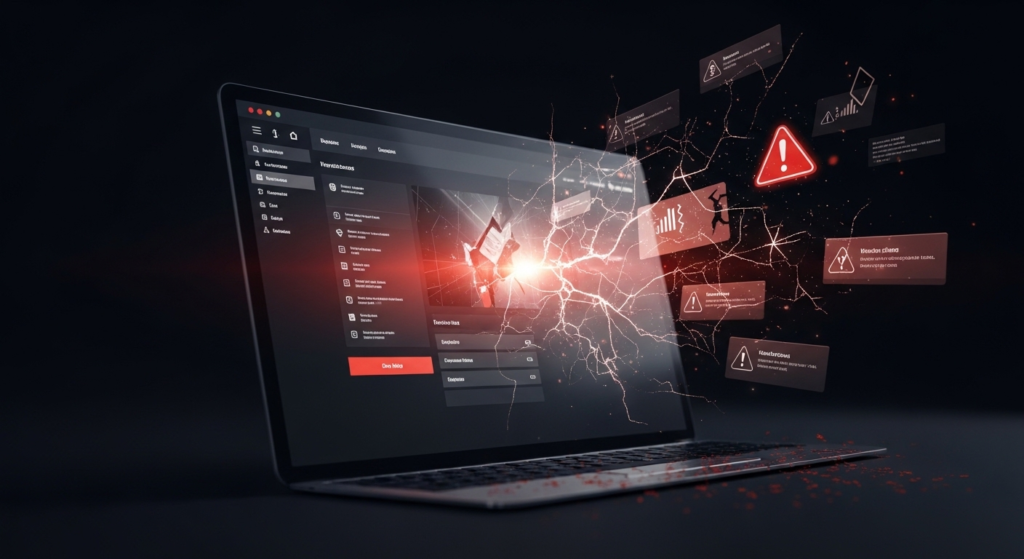

Right now, while you are reading this, something on your WordPress site could already be breaking.
- An outdated plugin with a known security hole.
- A hacker quietly injecting spam pages.
- A contact form that stopped working days ago without you realizing it.
This is not meant to scare you.
It is the reality of unmaintained WordPress sites.
I have seen the damage firsthand.
One business came to me after a hack created hundreds of thousands of spam pages and destroyed years of SEO work.
The Hack That Destroyed Years of SEO
The business reached out in a panic. Their Google rankings collapsed seemingly overnight.
When I checked Google Search Console, the cause was obvious and terrifying. Hundreds of thousands of pages were indexed that should not have existed.
It was a Japanese keyword hack, one of the most devastating WordPress attacks.
Hackers exploited an outdated plugin. The vulnerability had been patched months earlier. Malicious code was injected that generated spam pages filled with Japanese text and links to counterfeit products.
The site owner could not see these pages when visiting their own site. Google could, and it indexed all of them.
To Google, the site looked like a spam operation. Legitimate pages lost rankings. Years of SEO work disappeared in weeks. Organic traffic dropped more than 70 percent.
If regular security scans had been running, the issue could have been caught and cleaned within 24 to 48 hours before Google indexed the spam.
Instead, recovery took months and the site never fully regained its original rankings.
Outdated Plugins Are Open Doors for Hackers
WordPress powers 43.5 percent of all websites, making it a massive target.
Hackers use automated scanners that crawl the internet around the clock looking for outdated software with known vulnerabilities.
Most WordPress attacks happen through plugins, and most are preventable with regular updates.
When a security flaw is discovered, it is announced publicly so developers can fix it. Hackers read those announcements too.
Every day you delay an update after a patch is released, you are leaving the door open.
There are more than 8,000 documented WordPress plugin vulnerabilities.
In 2025 alone, 827 plugins and themes were reported abandoned, and more than half were permanently removed due to serious security risks.
When a site gets hacked, the consequences are severe. Malware injection, stolen customer data, Google blacklisting, hosting suspension, and permanent loss of customer trust.
When Plugins Break Your Site
WordPress, plugins, themes, and PHP update constantly, and they all must work together.
A plugin built for PHP 5.0 may fail entirely on PHP 7 or 8, causing errors, crashes, or severe performance issues.
Common break scenarios include:
- A white screen replacing your entire site
- Contact forms failing quietly and losing leads
- Checkout breaking during peak sales periods
- Membership logins returning errors
- The admin dashboard becoming inaccessible
The worst part is that you often do not know anything is broken until a customer tells you.
Even a single minute of downtime can cost businesses hundreds or thousands of dollars depending on size and traffic.
The Performance Death Spiral
Most sites launch fast.
Six months later, they are slower.
A year later, customers complain.
This happens because databases fill with spam and orphaned data, plugins are not optimized for modern servers, images are not compressed, and caching is misconfigured.
Speed matters. Google uses page speed as a ranking factor, and visitors abandon pages that take more than three seconds to load.
A slow site costs you money every single day.
The SEO Collapse
Over time, broken links multiply. Pages are moved or deleted. Inbound links lead to 404 errors.
Google notices everything. Slow load times, broken links, security issues, and downtime all damage rankings and drive visitors away.
These problems compound. While competitors improve, your site quietly falls behind. By the time you notice traffic dropping, you are already months behind.
The Real Costs
Emergency fixes cost two to three times normal rates.
Hack cleanups often cost $1,000 to $5,000 or more.
One major downtime incident can cost tens of thousands in lost revenue.
Meanwhile, professional WordPress maintenance typically costs $75 to $300 per month.
Prevention is always cheaper than the cure.
Why DIY Maintenance Fails
Running your business is already a full time job. WordPress maintenance requires consistent weekly attention, and it is easy to keep saying you will do it later.
Most business owners do not have professional malware scanners, uptime monitoring, off site backups, or the expertise to recover a site when an update breaks everything.
Updating plugins is easy. Fixing what breaks afterward is not.
What Professional Maintenance Prevents
Professional maintenance is proactive. Problems are caught before they impact your business.
This includes:
- Weekly WordPress and plugin updates
- Daily security scans
- Automated off site backups
- Uptime monitoring with instant alerts
- Performance optimization
- Broken link checks
- Monthly site health reports
What you get is peace of mind, a site that works, and protection from the disasters described above.
The Bottom Line
Your website runs twenty four hours a day, and it needs twenty four hour protection.
While you sleep, hackers scan.
While you work, updates are released.
While you focus on your business, things break.
You can maintain your site proactively and sleep well, or ignore it and deal with disasters when they happen.
Ready for the peace of mind that comes with our website maintenance packages? Contact us today!